
Artwork Management Software
Everything needed to run your gallery
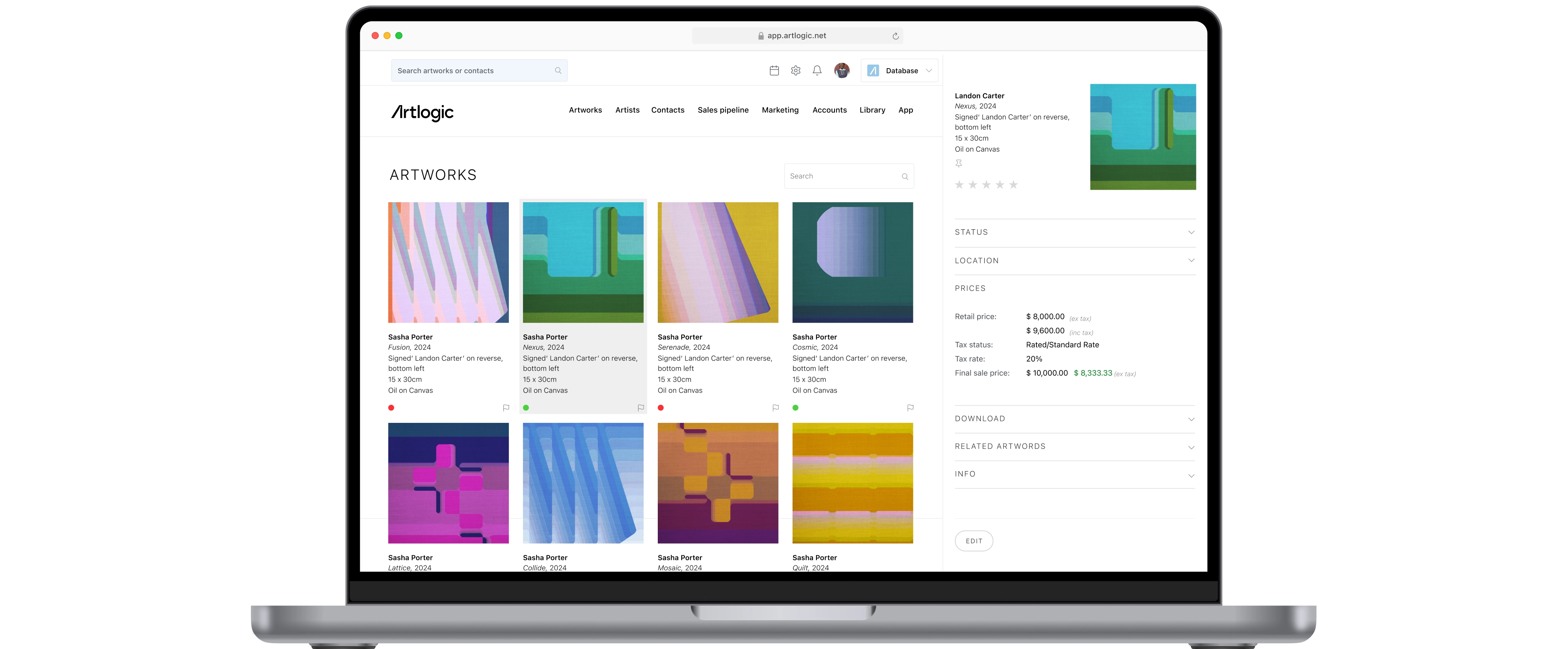
Manage your inventory, artists, contacts, sales, payments and day-to-day gallery operations from one connected artwork management platform. Artlogic helps your team stay organized, work more efficiently and spend more time building relationships with artists and collectors.
Trusted by over 6000 clients worldwide




















Powerful artwork management
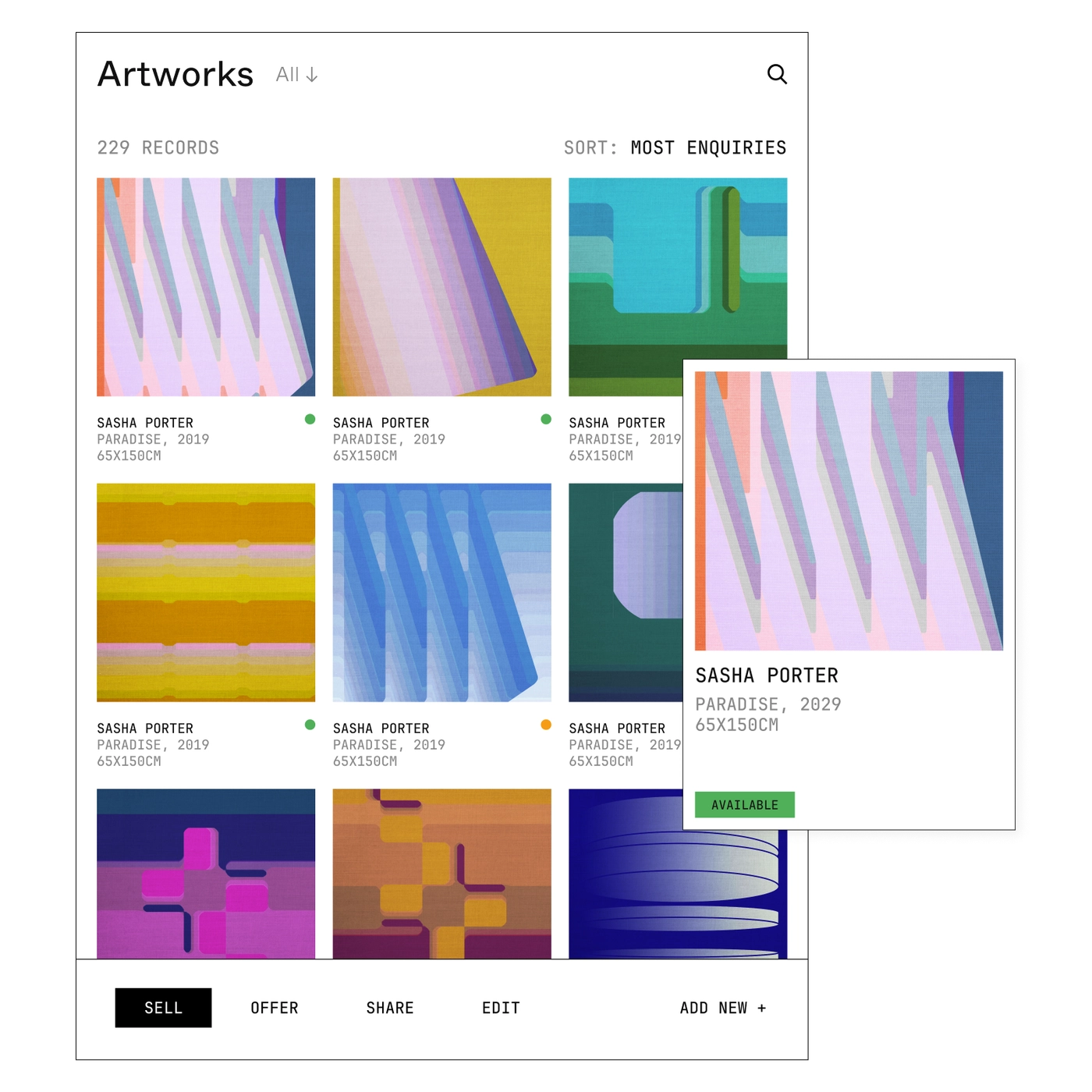
Artlogic offers everything you need to manage your artworks with ease, from consignment through final sale.
Effortlessly track and organize each piece in your inventory, capturing essential details, images, and pricing. Stay on top of exhibitions, proposals, and inventory lists with tools designed to simplify every step. With multi-location support and customizable permissions, Artlogic keeps your team organized, informed, and ready to connect with collectors.
- Multiple currencies
- Shipping and multi-location
- Upload documents and images
- Prints and editions
- Consignments and loans
- Provenance and condition reports
Build lasting collector relationships
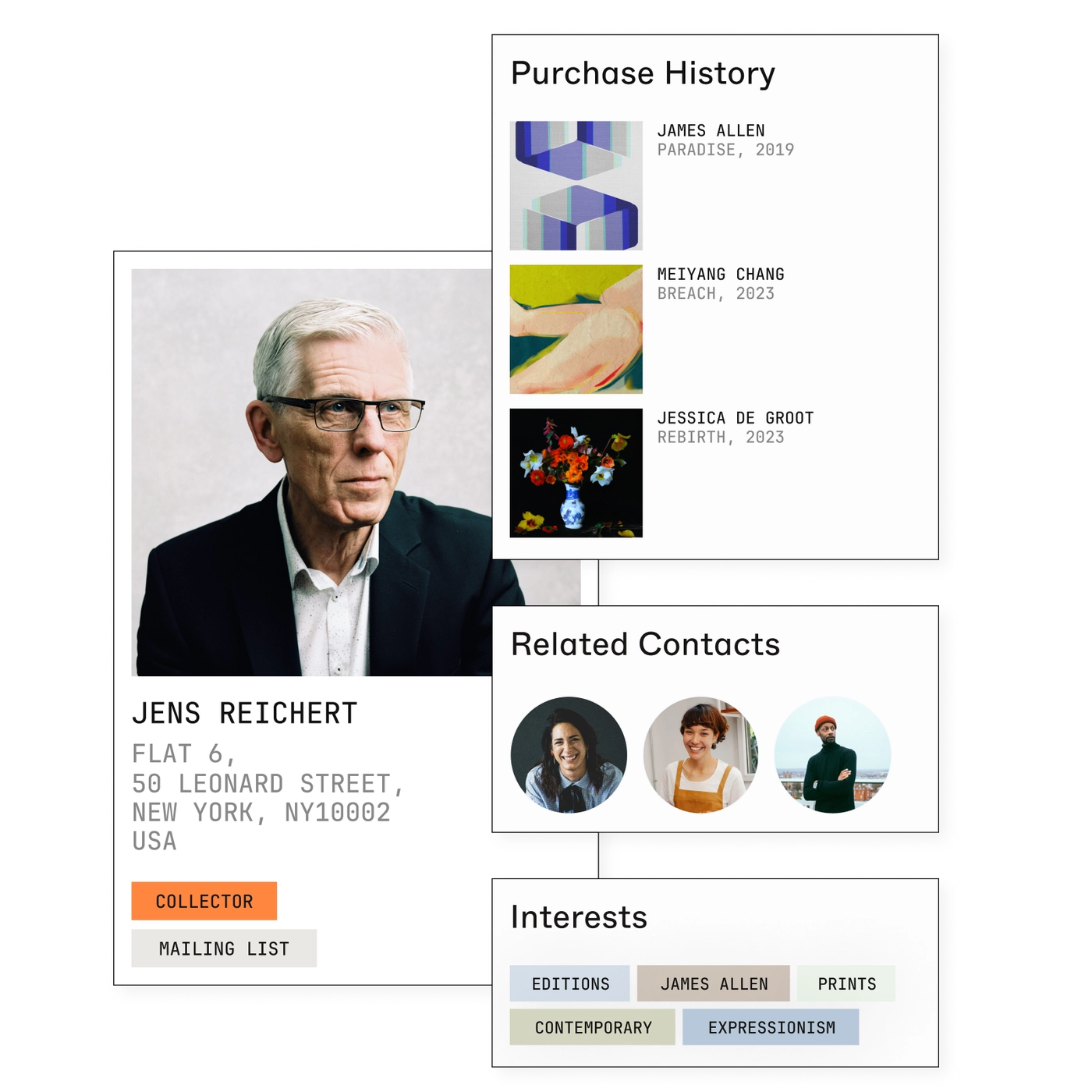
Efficiently organise and nurture relationships with your collectors with comprehensive CRM tools. Detailed contact records help you store and access vital client information from artists and artwork interests for future sales opportunities to sales offers and purchase history.
- Purchase history
- Related and grouped contacts
- Category and interests
- Contact narratives
- Contact lists
- Event and RSVP tracking
Future-proof your finances
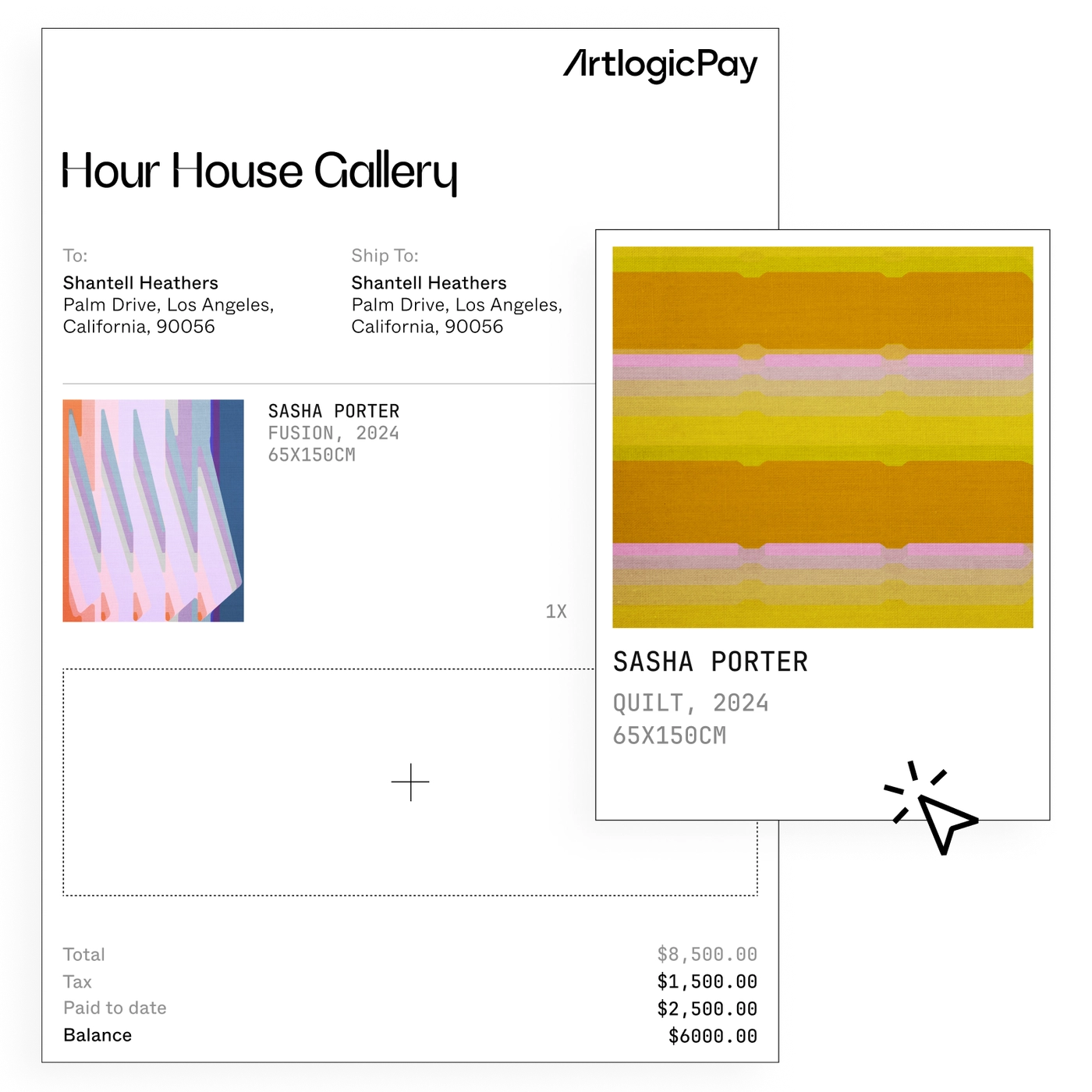
Our accounting and payment features go beyond basic invoice management by helping you stay on top of your sales and financial perfomance. Artlogic Pay gives your clients a better payment experience with fast, easy, and secure online payments accessed via generated invoice links.
- Integrated invoicing
- Multiple billing entities
- Credit notes
- Online payment links
- Tax rate handling
- Margin scheme
More ways to run your gallery with Artlogic
Website Integration
Build exhibitions, online stores and viewing rooms in minutes, with artwork information connected directly to your Artlogic database.
Sales Integration
Manage collector relationships, follow up on opportunities and support more consistent sales activity with integrated CRM tools.
Sales App
Present artworks, access key information and send personalised offers directly from your iPhone or iPad, wherever conversations happen.
Marketing Integration
Capture new sign-ups, organise your contacts and stay connected with collectors through beautifully designed newsletters and targeted communications.
User and Team Management
Give each team member the access they need while protecting sensitive information with user roles and permissions.
High-Level Security
Keep your gallery data protected with industry-recognised security accreditations and compliance with stringent security standards.
Cloud Backups
Protect your records with secure cloud backups and restore historical data from 90 days to two years, depending on your plan.
Account Management
Get personalized support, dedicated check-ins and guidance from a specialist as your gallery grows.
Available with 'Expert' level plans.
What galleries have to say about Artlogic




Websites
Create a polished gallery website that stays connected to your Artlogic database. Publish exhibitions, artworks, online viewing rooms and more without duplicating your work.
Marketing
Turn your collector data into more relevant communication. Build targeted lists, send engaging emails and keep relationships moving with information already connected to your Artlogic account.
Give your gallery more room to grow
Spend less time managing disconnected systems and more time focusing on artists, collectors and sales. Discover how Artlogic can support your gallery with connected tools built for the way the art world works.

FAQs
A gallery management system is software that centralises a gallery's inventory, contacts, consignments, sales and documents. Artlogic's system gives dealers a single, searchable database so the whole team works from the same accurate, up-to-date information.
It records every artwork with images, provenance, location and price, links works to collectors and sales, and keeps documents in one place. Artlogic also connects this data to your website, CRM and invoicing so nothing is entered twice.
Catalogue each work with its details, status and location, then keep records updated as pieces move, sell or go on consignment. Artlogic makes this straightforward and shares the data across your website, sales and reporting automatically.
Yes. Artlogic tracks consignment terms, owners, current locations and movement history alongside your owned stock, so you can answer where any work is and on what basis at any moment.
Artlogic stores your data securely with controlled access, so you decide who in your team can view or edit records. Centralising information also reduces the risk of works being lost across scattered spreadsheets and inboxes.
Yes. Gallery management software can help you keep collector information, conversations, artwork interests, offers and sales activity connected in one place. This makes it easier to follow up with the right people, personalise communication and keep relationships moving without relying on separate spreadsheets or disconnected systems.
Yes. An integrated gallery website can pull artwork, artist and exhibition information directly from your gallery database, helping you keep online content accurate without entering the same information twice. This can also make it easier to publish viewing rooms, exhibitions and available works.
Yes. Gallery management systems can support multiple users across sales, operations, marketing and management teams. User roles and permissions can help ensure each person has access to the information and tools they need while protecting sensitive gallery and collector data.
Yes. Gallery management software can help track artworks across galleries, storage facilities, art fairs, loans and other temporary locations. Keeping location information connected to each artwork makes it easier to know where works are and maintain accurate inventory records as they move.
Moving to gallery management software usually starts with organising and importing your existing artwork, artist, contact and sales records. The process will depend on the format and quality of your current data, so it is helpful to work with a provider that can guide you through migration, setup and onboarding.